You own your property, your furniture, and whatever sits on a domain you registered yourself. Your listing and reviews belong to the OTA. Your website, its page URLs, and your automations often belong to your property management system. Both sets vanish when you switch, and neither transfers to the next platform.
Here is a question worth ten minutes of your morning: if you switched property management systems next month, what would you take with you?
Most hosts answer "my guest data" and stop there. The reservations usually export. The website built inside that system does not, and neither does the URL structure Google spent two years learning.
Now run the same question against Airbnb. Different landlord, same answer.
Most independent hosts have two landlords and have only ever worried about one. The OTA owns the guest relationship. The property management system can quietly own the storefront — and that second one catches people off guard, because they paid for the website and reasonably assumed that meant they had one.
The useful test isn't where something lives. It's whether you can take it with you. Your email list sits inside Flodesk or Mailchimp, which is rented software — but you can export that list on a Tuesday and have it running somewhere else by Wednesday. Your review history sits inside Airbnb and there is no export button. One is an asset with a landlord. The other isn't an asset.
What does a short-term rental host actually own?
Sort your business into two columns. Most hosts have never done this on paper, and the exercise is uncomfortable the first time.
The line between the columns is portability, not price. Two hosts can pay for the same stack of tools every month and land on opposite sides of it, depending on whose name is on the domain and whether the pages come back out.
Does the website that came with your booking software belong to you?
Most property management systems now bundle a site builder, and the pitch is a good one. One login. The calendar can't fall out of sync because it's the same database. No separate build, no separate bill.
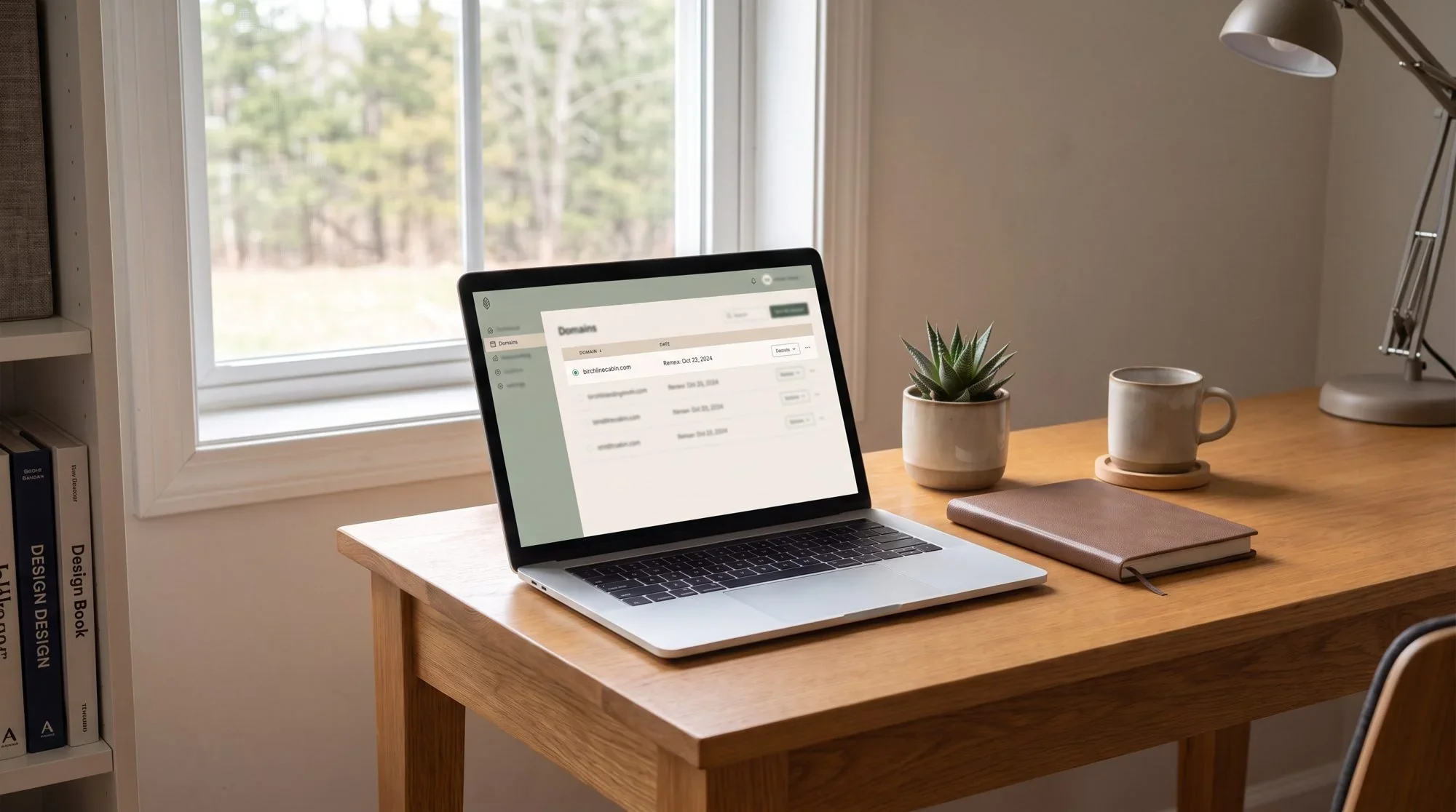
Three checks tell you what you actually have, and you can run all three before lunch.
Whose name is on the domain? Log into the registrar. If you can't remember creating that account, or the domain was registered on your behalf by a designer or a software provider, you have found your first fix.
Can the site be exported? Not the copy pasted into a document — the site. In a bundled builder the answer is usually no, because the pages only exist as records inside the platform.
Who controls the page URLs? If your pages sit at paths the platform generates, you don't control your own slugs, and you can't redirect them after your access ends.
The domain question matters most, because a domain you control can point at anything. Rebuild the site three times over ten years and the address on your welcome book, your Google listing, and your gate sign never changes.
What actually breaks when you switch property management systems?
Switching is normal and you should feel free to do it. Pricing changes, support gets thinner, the feature you needed ships somewhere else. Hosts move every few years. The question is how much comes down with the move.
Usually survives: reservation history, a guest list export, your accounting records.
Usually doesn't:
The website, if it was built inside the old system's builder.
Your URLs. New system, new page paths — and every link Google indexed, every Pinterest pin, and every QR code printed in a welcome book now points at nothing. Redirects are the fix, and you can't set redirects on a platform you no longer have access to.
Messaging automations, saved templates, and upsell flows. Those get rebuilt by hand, one at a time.
Any reviews displayed through the old system's widget.
The website and the URLs are the expensive ones, and they're expensive on a delay. You feel the automation rebuild in week one and you're annoyed. You feel the search loss eight months later in shoulder season, when the traffic that used to arrive on its own doesn't, and by then it doesn't look like it had anything to do with the switch.
What does the right setup look like?
The website is the permanent thing. Everything else plugs into it.
The domain. Registered to you, at a registrar you hold the login for.
The site. Built somewhere you'd stay regardless of who handles your calendar. I build on Squarespace, but the platform matters less than the fact that the site isn't downstream of your operations software.
The booking engine. Connected to the site rather than the other way around. The PMS supplies availability and takes the payment. The site owns the pages, the copy, the photographs, the local guide, and the search rankings.
Guest email. In a marketing platform you can export from, not scattered across reservation records.
Set up that way, switching systems is a Tuesday afternoon. You swap a booking widget and update one connection. The domain doesn't move, the URLs don't change, and Google never notices anything happened.
I run Hostfully behind Fjellsangin. If I replaced it tomorrow the website wouldn't change at all, which is the whole point of building it in that order.
If you haven't chosen a site platform yet, Squarespace vs. WordPress for a direct booking website mostly comes down to who handles the maintenance.
Do you own your guests' email addresses?
Not the ones from the OTAs — and this is where direct-booking marketing tends to overstate its case. You will see software promise that guest contact details flow into your CRM automatically from every channel, OTAs included. What arrives from Airbnb is an alias: a routed address that goes back through Airbnb's system rather than to the person. Vrbo relays on a similar model. Using platform-supplied contact details to move a guest off-platform also runs against Airbnb's off-platform policy, so even the aliases you hold aren't a mailing list.
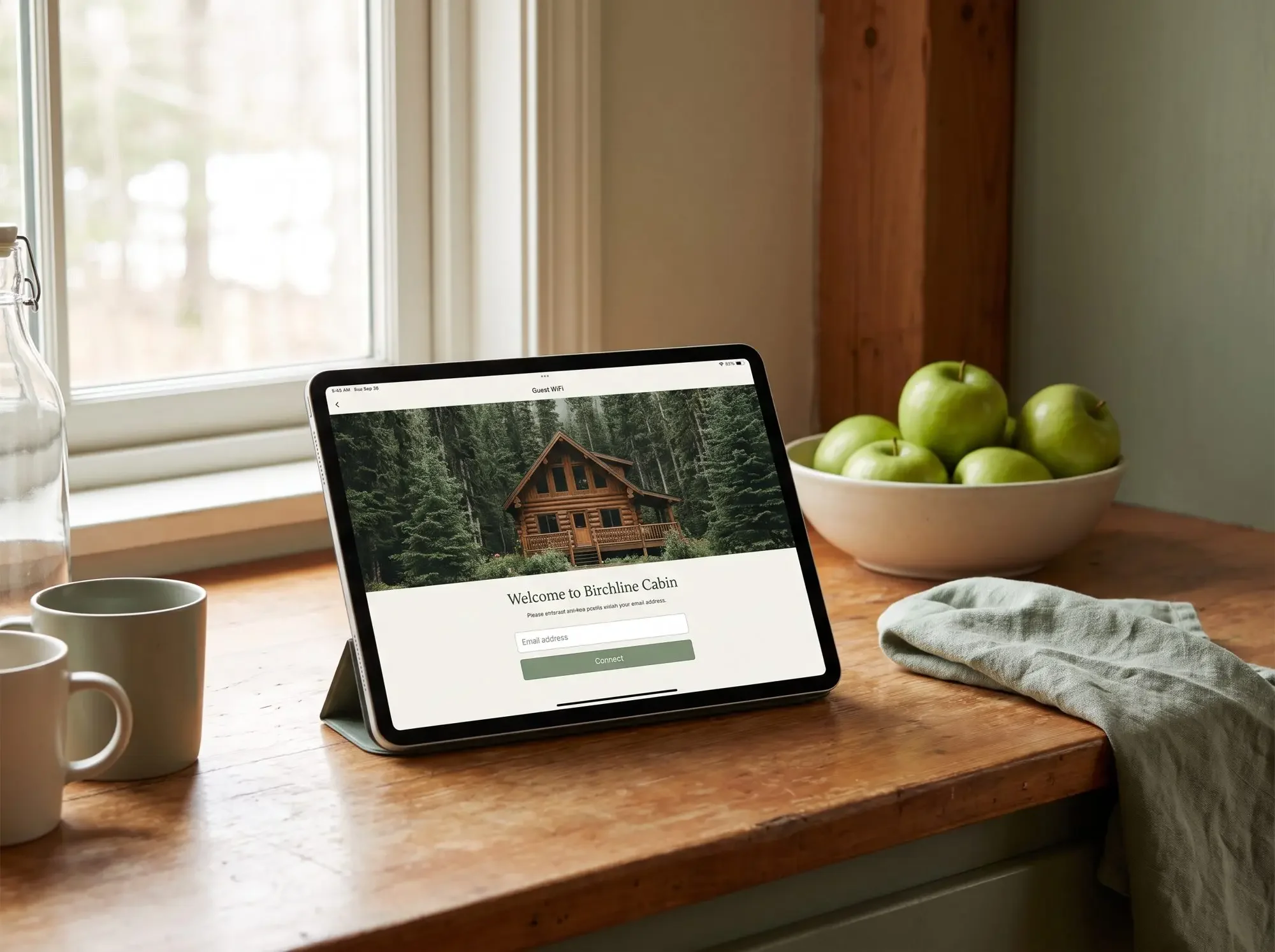
Real capture happens three ways, and all three are yours to keep.
Wifi signup. A splash page on the guest network trades the wifi password for an email address. I run StayFi at Fjellsangin for exactly this, and it catches the whole group rather than only the person whose name is on the reservation.
The direct site. Anyone who lands on your site and doesn't book is still a lead. A local guide, a seasonal availability alert, or a better rate next time all give them a reason to hand over an address.
The post-stay ask. Once the reservation is closed, the relationship is yours to maintain, and a stay-again offer sent from your own list is an ordinary thing to do.
What happens to your reviews?
They stay where they are. Four years of five-star reviews belongs to the listing, and no export exists — not to a competing platform, and not to your own site as verified reviews.
What you can do is stop adding only to a pile you'll never own. Google Business Profile reviews attach to the business rather than to a listing, so they survive a platform change, a rebrand, and a site rebuild. Reviews collected through your own booking flow are yours the same way. Both start earning the day you set them up, which is an argument for setting them up before you need them.
What does the owned column actually cost?
Less than a season of commission for most hosts, and more work than posting a listing.
A domain runs about $15–20 a year. Add a website, an email platform, and the hours to keep both useful — the site doesn't fill itself. It needs a Google Business Profile, pages that answer what guests actually search for, and a reason for a past guest to come back to it rather than to the app.
Against that: 15.5% is what the OTA takes on a typical booking. Run one month of your own reservations through that number, then decide how many bookings a year would have to shift to your own site to cover the whole owned column. For most single-property hosts the answer is small enough to be annoying. The fee was never really the expensive part. The expensive part is that afterward the guest belongs to somebody else, and so, quite often, does the website.
Where do you start?
Not with a redesign. With the inventory above, written out for your own property, honestly. Which column is your domain in? Your guest list? Your reviews? The pages your guests actually land on?
Then fix the cheapest item in the rented column first, which is almost always the domain, and work up from there. If you'd rather have someone read the property and rank the gaps by what they're costing you, that's what the STR Starter Audit does — including the part where it tells you the fix is a $20 domain transfer and not a new website.
Common questions
Can I keep my website if I switch property management systems?
Only if it wasn't built inside the old one. A site on your own domain and your own platform stays put — you swap the booking connection and nothing else moves. A site built in a PMS's own builder generally goes with the PMS, along with the page URLs, which is the part that costs you in search.
Can I move my Airbnb reviews to my own website?
Not as verified reviews. You can quote review text with attribution on your own site, but the star rating and the verification stay with the platform. Going forward, collect reviews on your Google Business Profile — those attach to your business and survive any platform change.
Who should a vacation rental domain be registered to?
You, personally or through your LLC, at a registrar you have login credentials for. If a designer, agency, or software provider registered it on your behalf, request the transfer now rather than during a dispute.
Do the inventory once, on paper. Most hosts are surprised by how short the owned column is.
If your listing is solid but nobody outside the OTAs knows your property exists yet, the STR Starter Audit looks at your whole guest journey — website, listing, and visibility — and tells you honestly what's actually costing you direct bookings.